Narration and immersive audio
Audio description, in every language
Audio description is a second voice that tells a blind or low-vision viewer what the picture shows, in the gaps between the dialogue. It is a separate piece of writing from the subtitles, and it is read to fit the film, not the other way round.
- Family
- Narration and immersive audio
- Languages
- Every language we cast
What it is
What it is.
A description track narrates actions, faces, settings and on-screen text that someone watching without sight would otherwise miss. It is written to fit the pauses in the soundtrack and read by a voice that does not compete with the actors.
What has to be described changes with the film and the audience. A thriller and a cooking show need very different descriptions, and a children’s programme needs different words again.
The rules that make description necessary, or encouraged, differ from country to country and by type of content. Check the ones that apply to the content and the market, and tell us the delivery they expect.
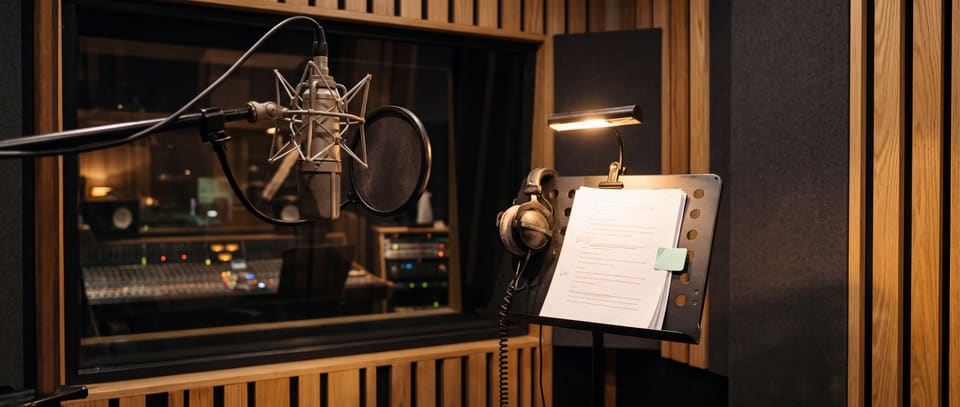
Audio description
What to settle before recording a description track: who writes it, how much it describes, and where the voice sits among dialogue and music.
How it works
From brief to final audio.
- 01
Tell us about the project
Share the markets, the script or its estimated length, the usage and the deadline.
- 02
Choose the voice
We send a shortlist of native voices for each market, with samples in your tone and notes on accent and register. You choose, and we book.
- 03
Receive the final audio
Edited takes for every language and version, named by language, in the formats your editor or learning platform needs.
Before anyone records
Decide before the booth.
What to settle for audio description before anyone records.
- 01
Who writes the description
The description is a script in its own right. Decide who writes it and who checks it. If it already exists in one language, it needs adapting to the next, not word-for-word translation.
- 02
How much to describe
Choose between a light track that fits the existing pauses and a fuller one that may need the programme paused or extended. The choice depends on the content and on where it will be played.
- 03
Tone of the voice
A neutral, clear voice usually works; for drama a more expressive voice can help. Decide it before casting, and keep the voice distinct from the main characters.
- 04
Names, places and on-screen text
List the names of characters and places and how they are said, and decide whether text on screen is read aloud and in which language.
- 05
Delivery
Say whether you need the voice alone, mixed with the original sound, or both, and ask your platform or broadcaster for its technical requirements before recording.
Uses
Where it is used.
Film, series and broadcast
Description tracks delivered alongside the programme, in the language of each market where it is released.
Corporate and training video
Internal and public videos that need to be usable by every employee or visitor, whatever they can see.
Museums, exhibitions and events
Descriptions of objects, rooms and routes, close to an audio guide but written for people who cannot see what is described.
Websites and apps
Narrated descriptions of video and interactive content where a text alternative alone is not enough.
Questions
Audio description: questions
Is audio description the same as subtitles or captions?
No. Captions put the dialogue and sounds into text for people who cannot hear. Audio description puts the picture into speech for people who cannot see it, and it needs its own script.
Can you record a description we have already written?
Send the script and the video, and say which language it is in. If it was written for another language, it needs adapting for the market before it is recorded.
Do I need to pause the video?
Not always. A light track is written to fit the pauses that already exist. A fuller description may need extra time, which depends on the platform and has to be decided before the script is final.
What should we send to have a description track recorded?
A locked edit of the video, the description script with a timecode for each line, and the list of names. If the description is to be mixed, add the original sound with dialogue, music and effects on separate tracks if you have them.
Can description be added to a video that is already published?
Yes, either as a separate audio track the viewer switches on or as a second version of the video with the description mixed in. Which one works depends on whether your player can offer alternative audio.
Does every language need its own description timing?
Yes. If the programme is dubbed, the gaps between lines move; even when the original dialogue stays, the description in another language runs to a different length. Each language is fitted to its own soundtrack.
Find the voice for every market.
Tell us what you’re making and where it will be heard. No finished script? Share an outline.
The form asks
- Work emailWhere we send the quote
- Languages and marketspt-BR or pt-PT, es-ES or es-MX
- Your projectLength, where it will be used and your date. The script is optional.
We review your brief, clarify any missing details and confirm the scope, quote and delivery schedule.